
Troubleshooting
What the common messages mean, and what to do.
A task is not running
Section titled “A task is not running”Open Status. A card marked No activity has not succeeded when it should have. Open its last run’s error, or Logs for that task, to see why. A task whose toggle is Off on the Tasks screen is not scheduled. Turn it on.
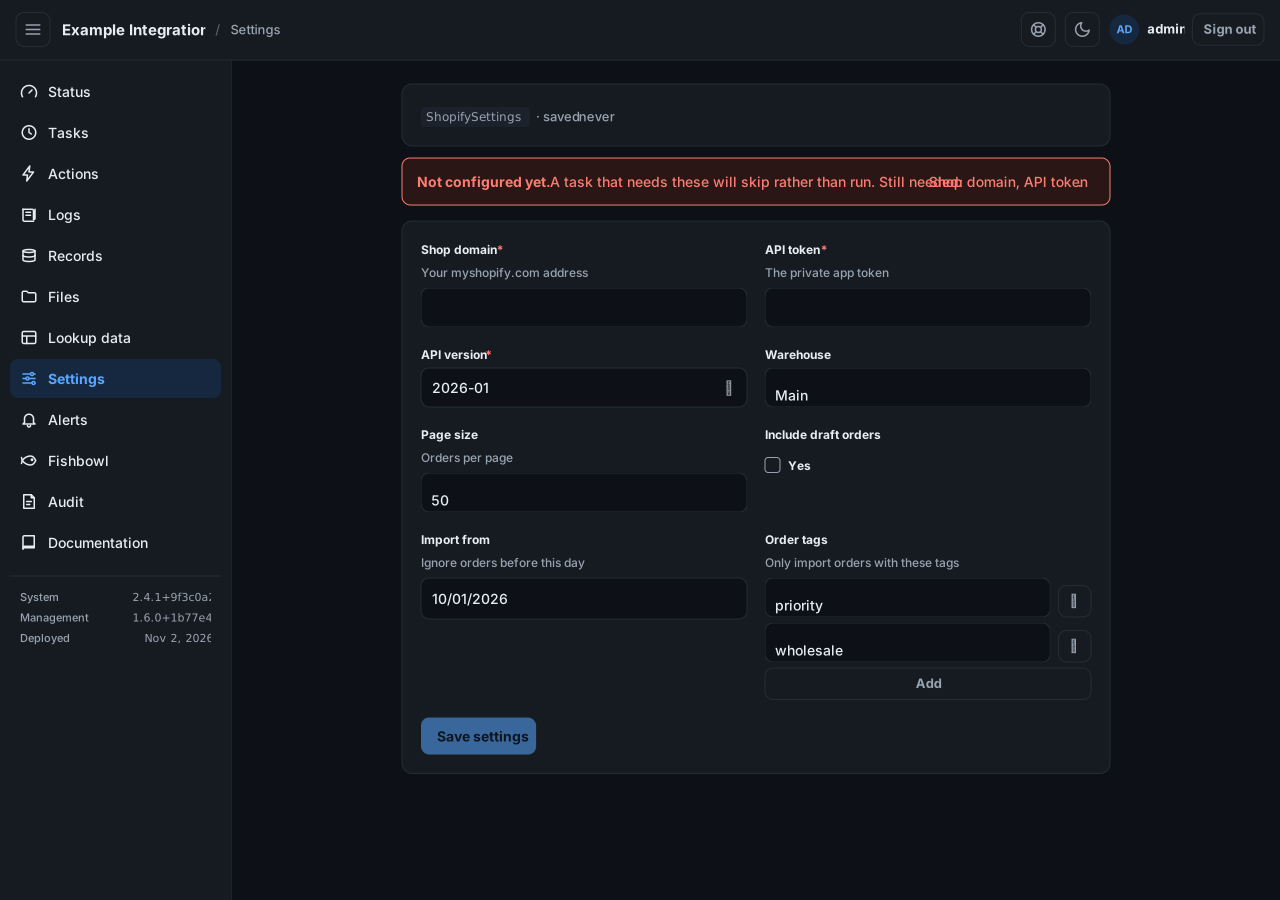
“Not configured yet”
Section titled ““Not configured yet””The integration is waiting for Settings. Fill in the required fields, marked with a red asterisk, and save. Runs are skipped, not failed, until then.
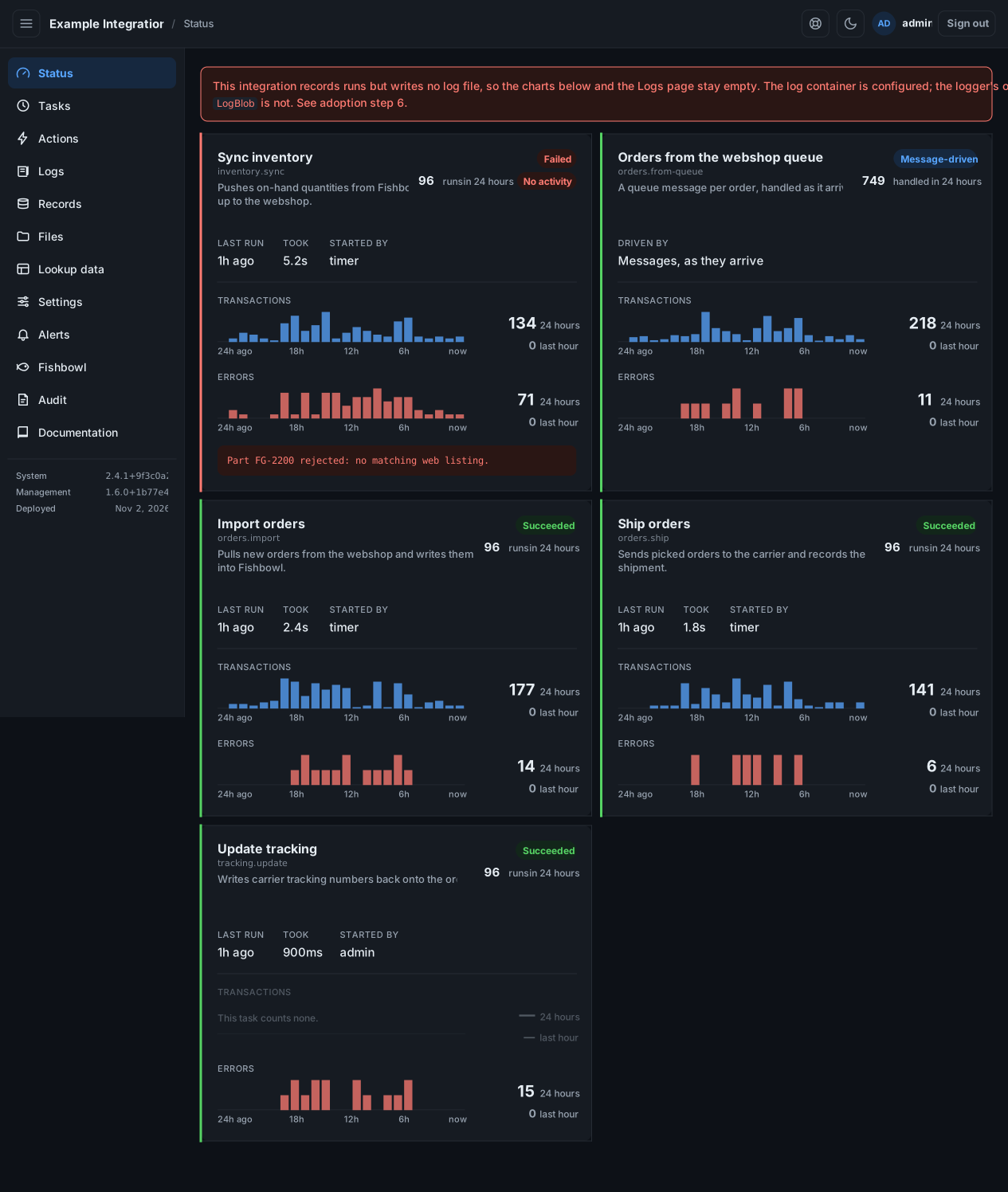
“Records runs but writes no log file”
Section titled ““Records runs but writes no log file””The integration is running but its log is not being kept, so the Logs screen is empty. This needs ILC. Request support.
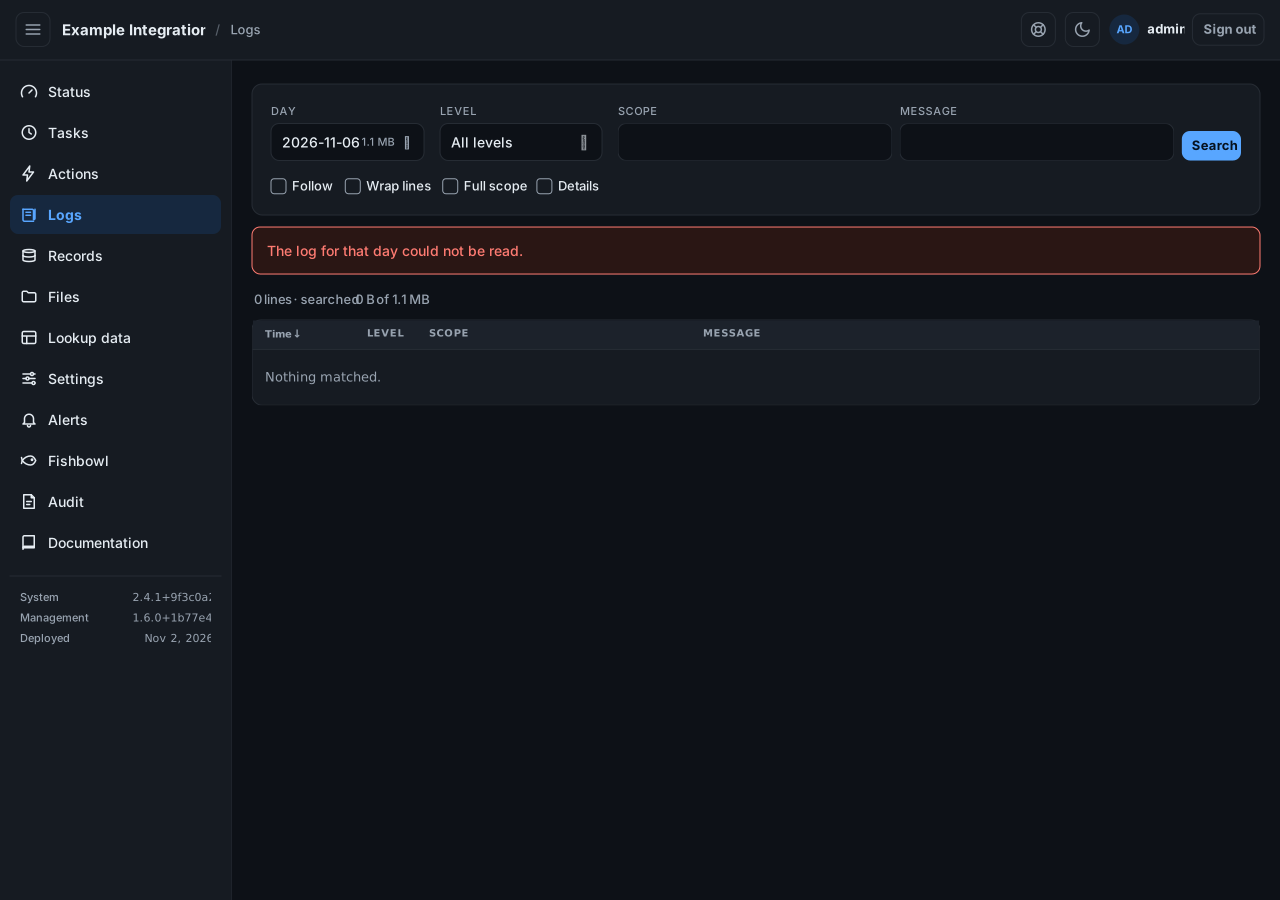
The log will not load
Section titled “The log will not load”An error on the Logs screen means that day’s log could not be read. Try another day. If it continues, request support.
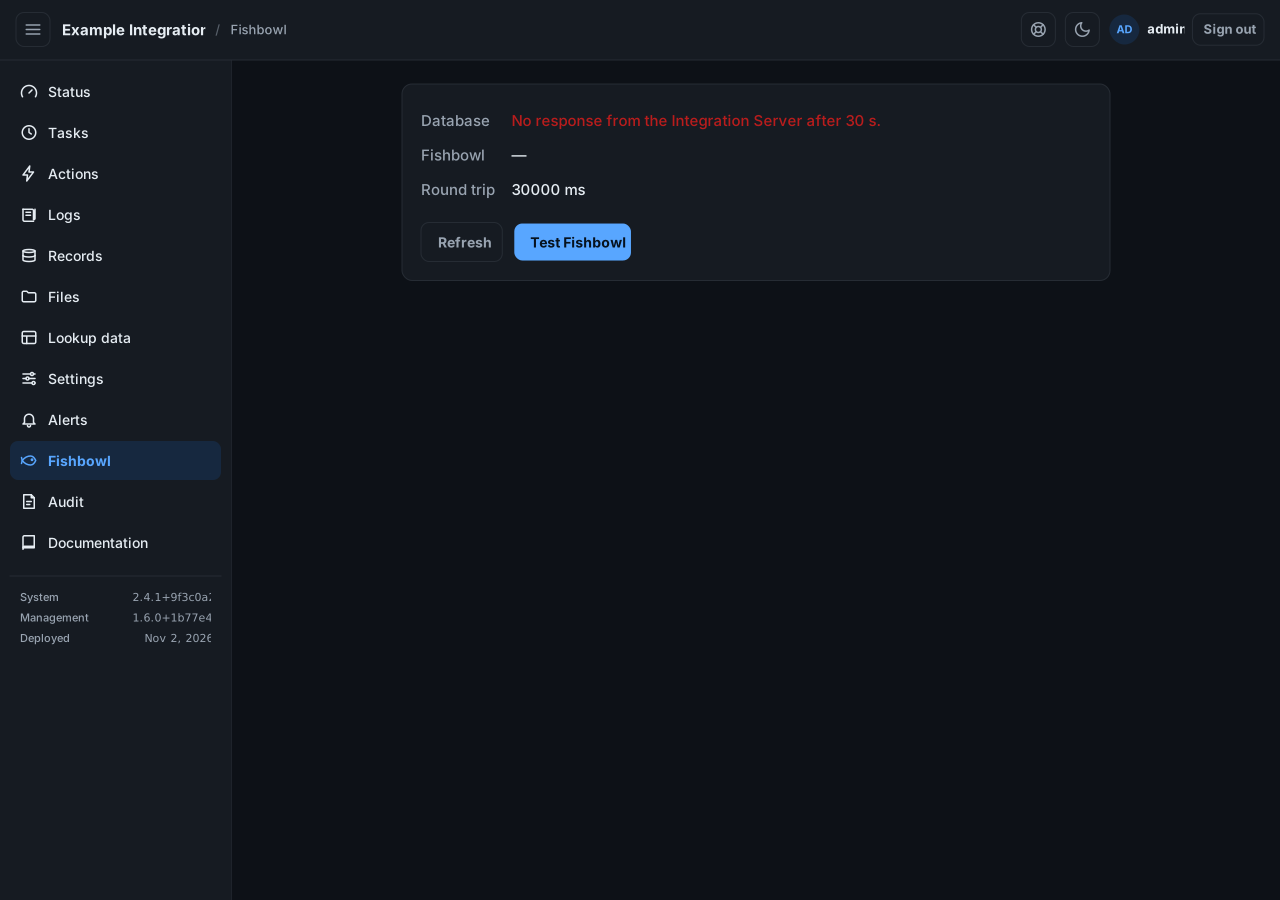
Fishbowl is not reachable
Section titled “Fishbowl is not reachable”The Fishbowl screen shows the error. Select Test Fishbowl; the message tells you where the round trip stopped. Send that message to ILC.
“Download unavailable”
Section titled ““Download unavailable””The integration cannot sign a download link in its current setup. Listing and preview still work. Request support if you need the file.
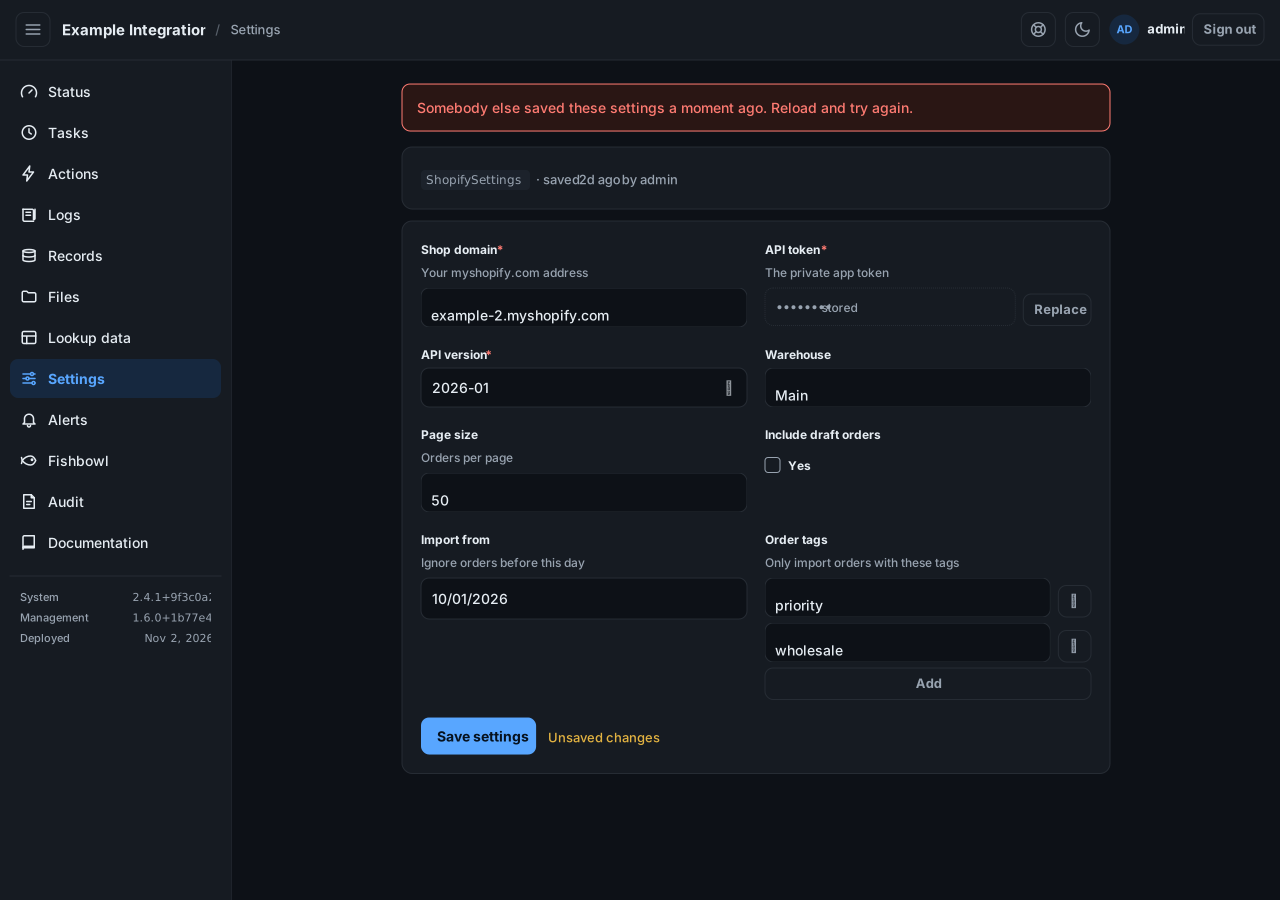
A save was refused
Section titled “A save was refused”On Settings or Lookup data, a refused save usually means someone else saved while you were editing. Reload and make your change again.
Still stuck
Section titled “Still stuck”Request support from inside the page, or contact ILC.