
Requesting support
Send ILC a message from inside the page when something is wrong or you need help.
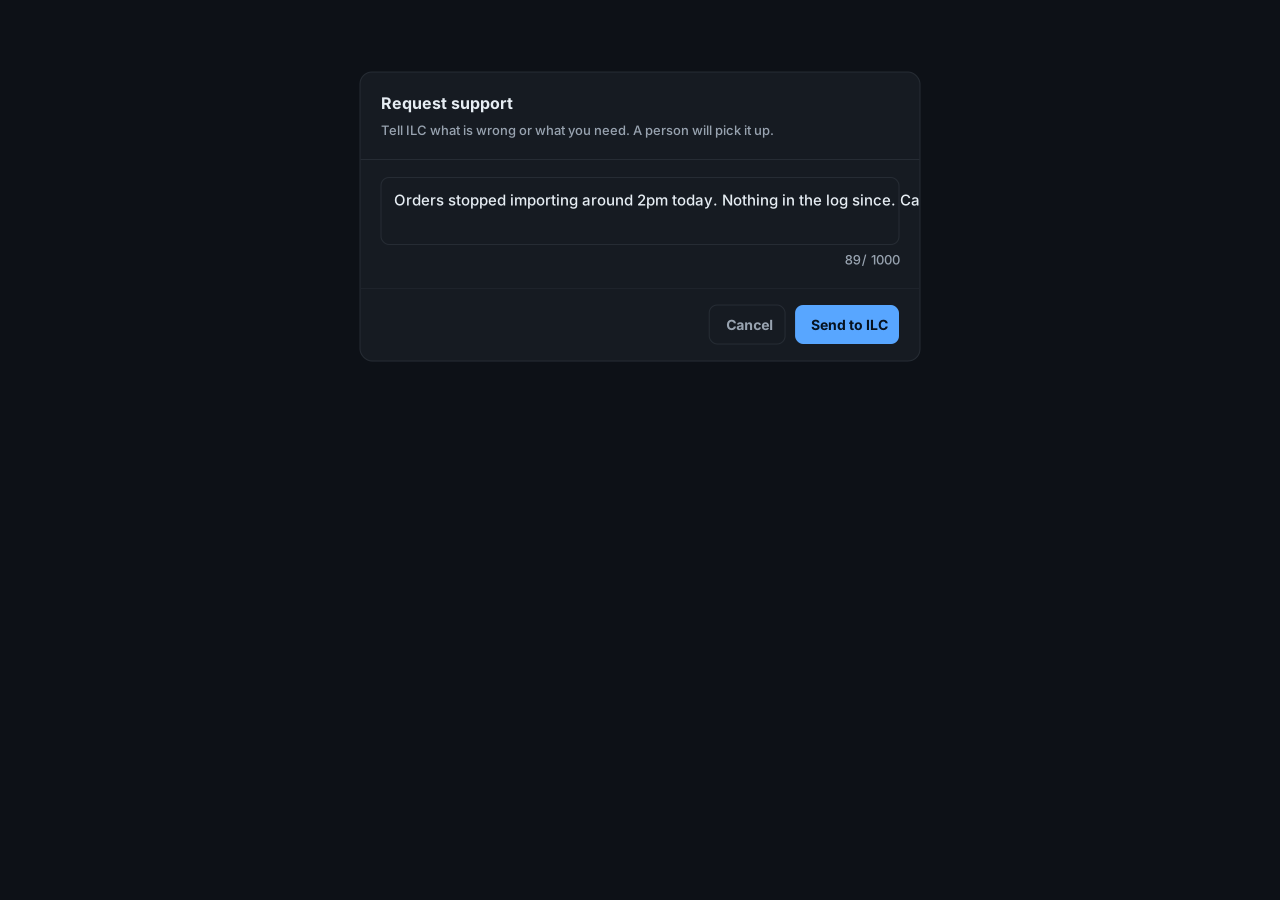
Send a request
Section titled “Send a request”- Select the lifebuoy button at the top of the page.
- Describe what is wrong or what you need.
- Select Send to ILC.
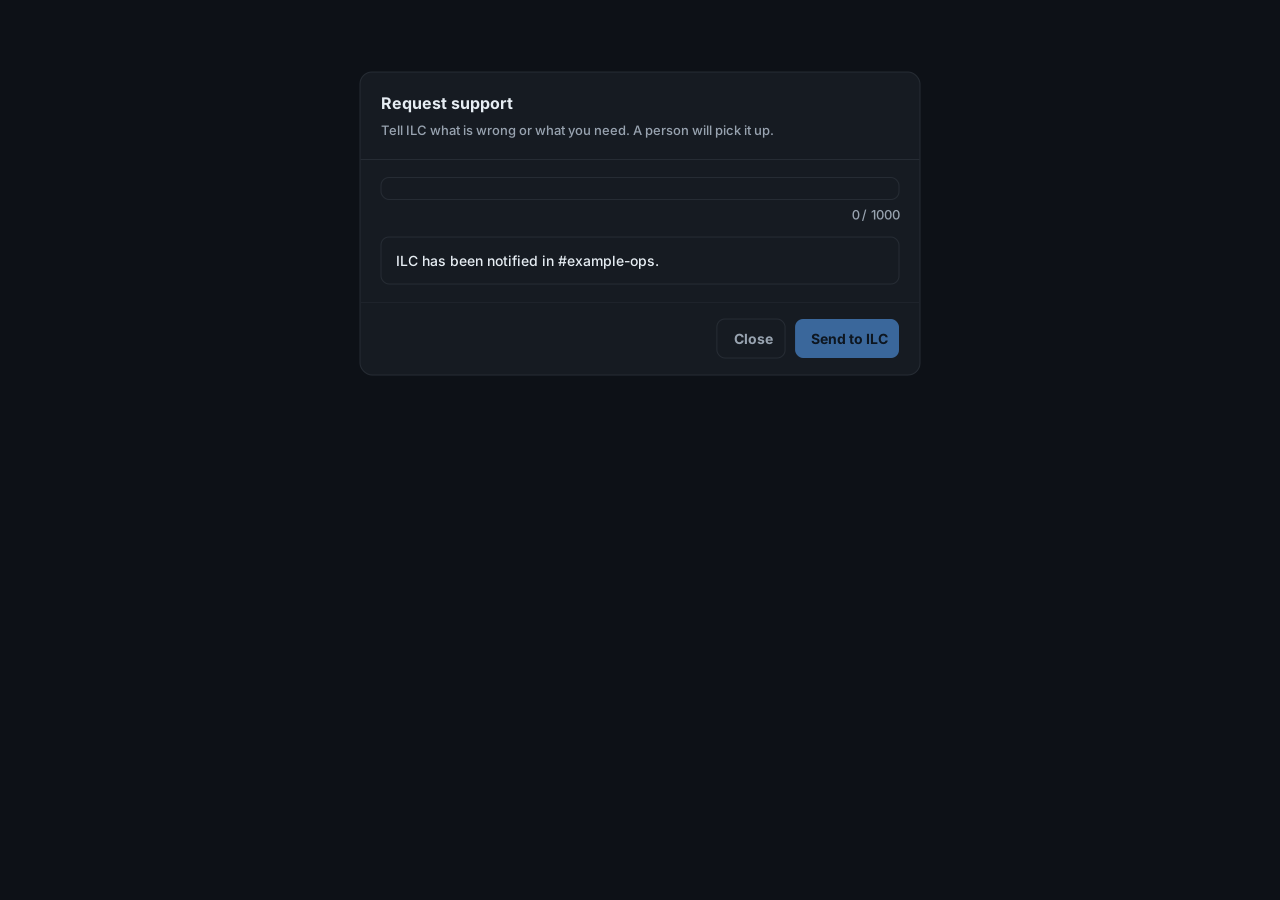
The message reaches ILC with the integration’s name and who sent it, nothing more. A person picks it up. If ILC cannot be reached, the page gives you a phone number to call.
You can also contact ILC directly.