
Records
Read and export the integration’s per-object logs, such as every email it sent or every order it rejected. These are not the system log; for that, see Logs.
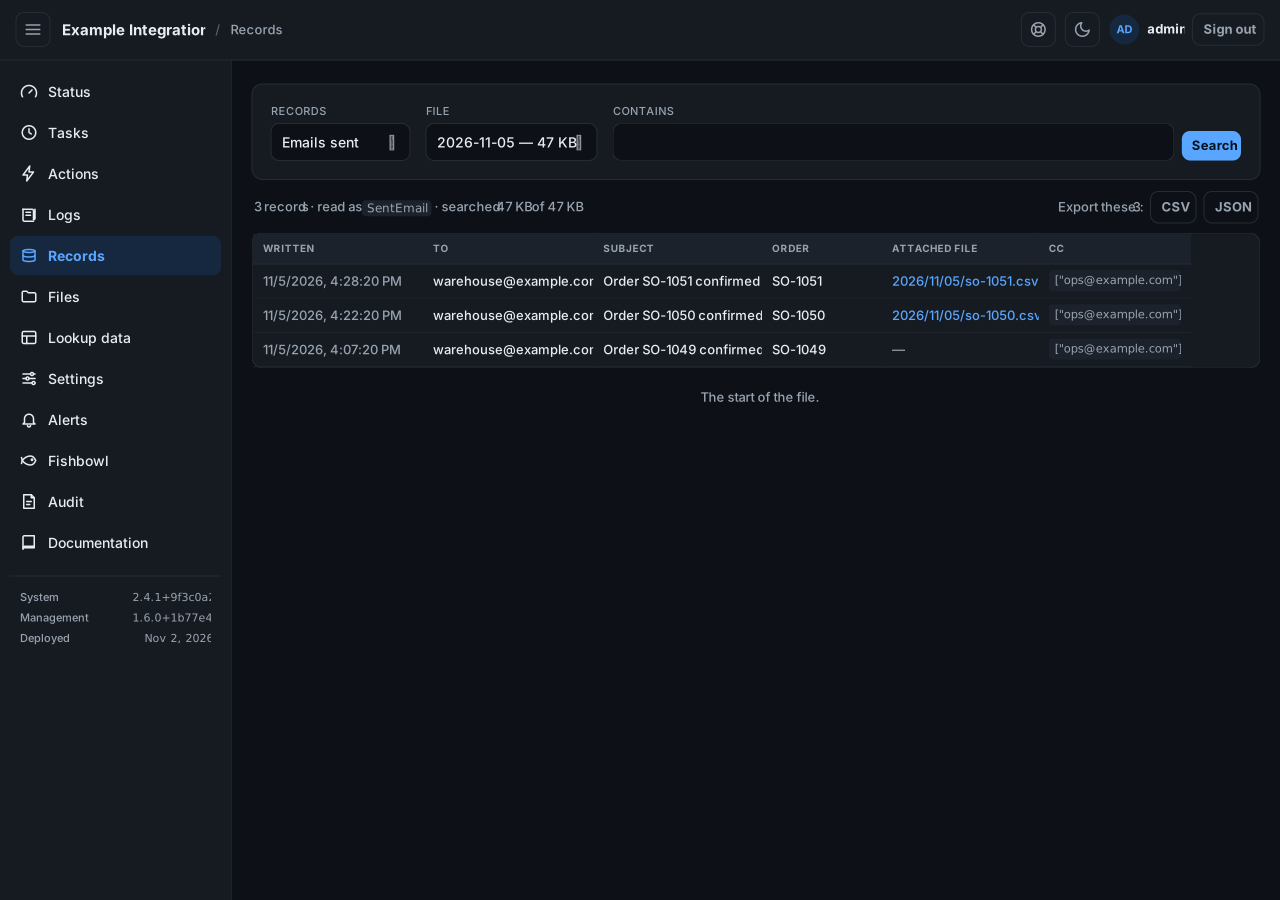
Read records
Section titled “Read records”- Pick a record log from the list.
- Pick a file, usually a day.
- The grid shows one row per record, with the columns the integration declared.
A column marked extra was written before that column was named; it is kept so nothing is lost. A file cell is a link. Select it to open that file.
Narrow it down
Section titled “Narrow it down”Type in Contains and select search to show only matching records. Select Load older to read further back.
Export
Section titled “Export”Select Export CSV or Export JSON to download what is on screen, filter included. JSON keeps nested values as objects; CSV keeps them as text inside the cell.