
Settings
Fill in what the integration needs before it can run, such as a connection address or a key. The form is built from what it needs.
Fill it in
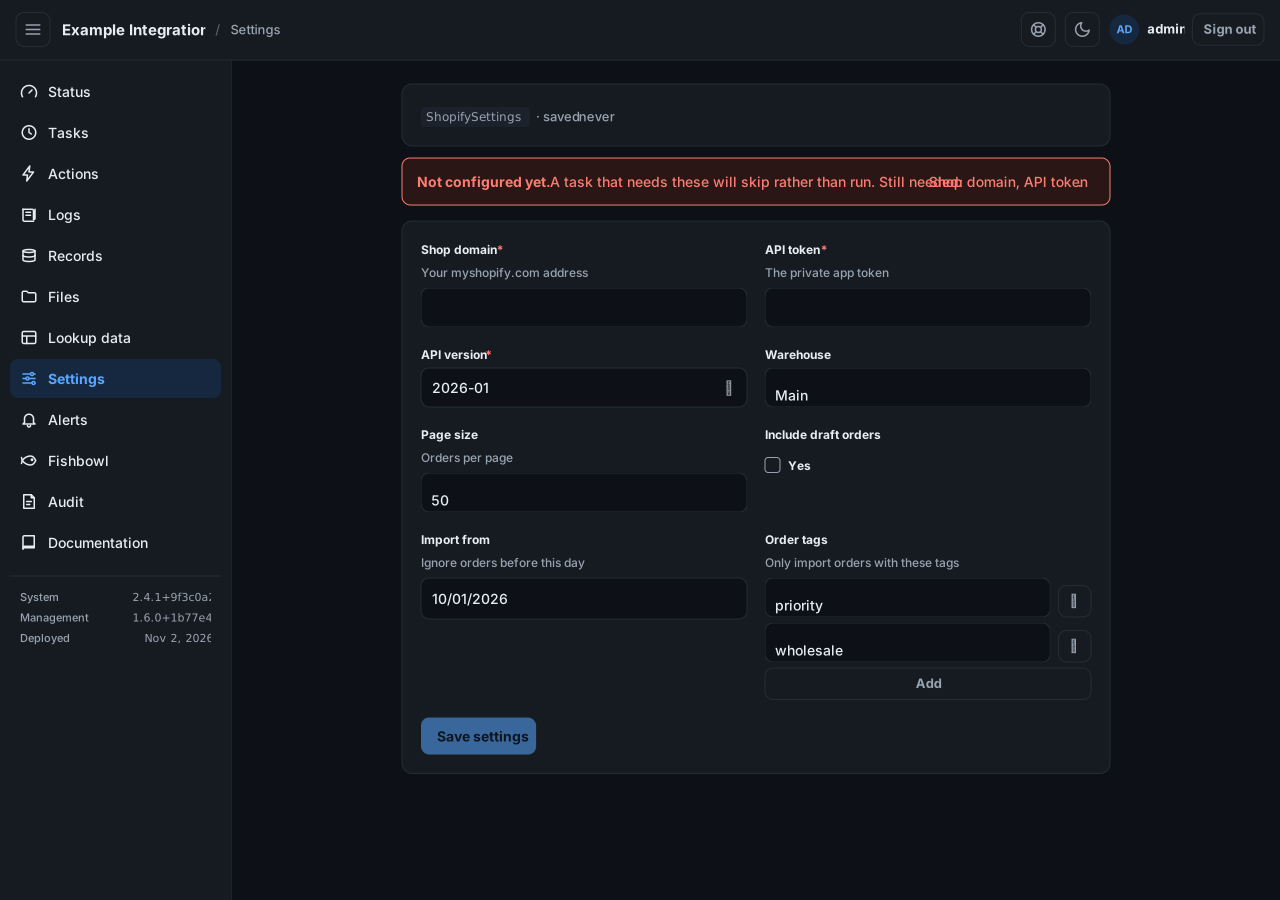
Section titled “Fill it in”Enter each field. A red asterisk marks a required one. Select Save settings. A banner confirms the save, and tells you if anything required is still missing.
Until the required fields are filled in, the integration treats its runs as skipped, not failed. It is waiting for you.
Secrets
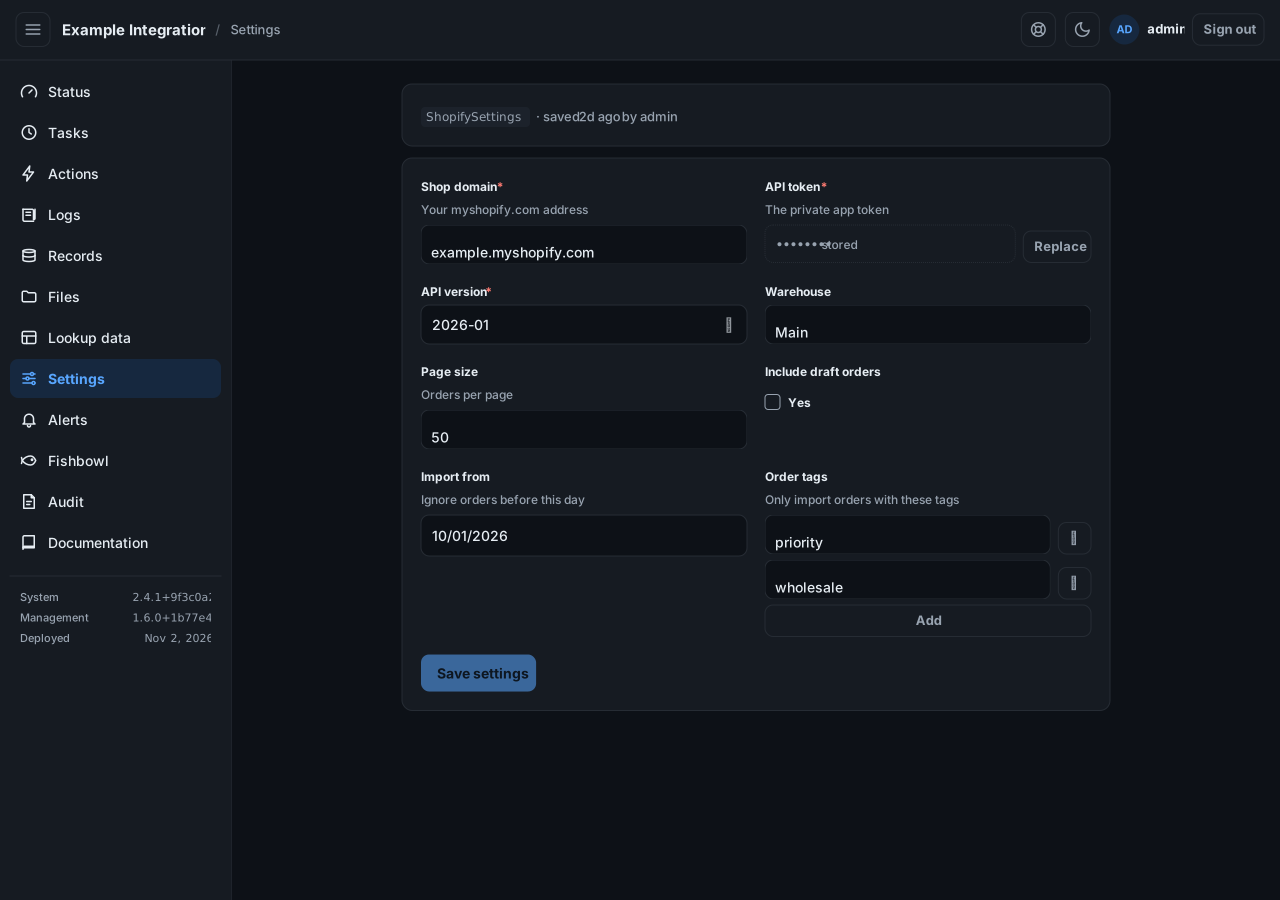
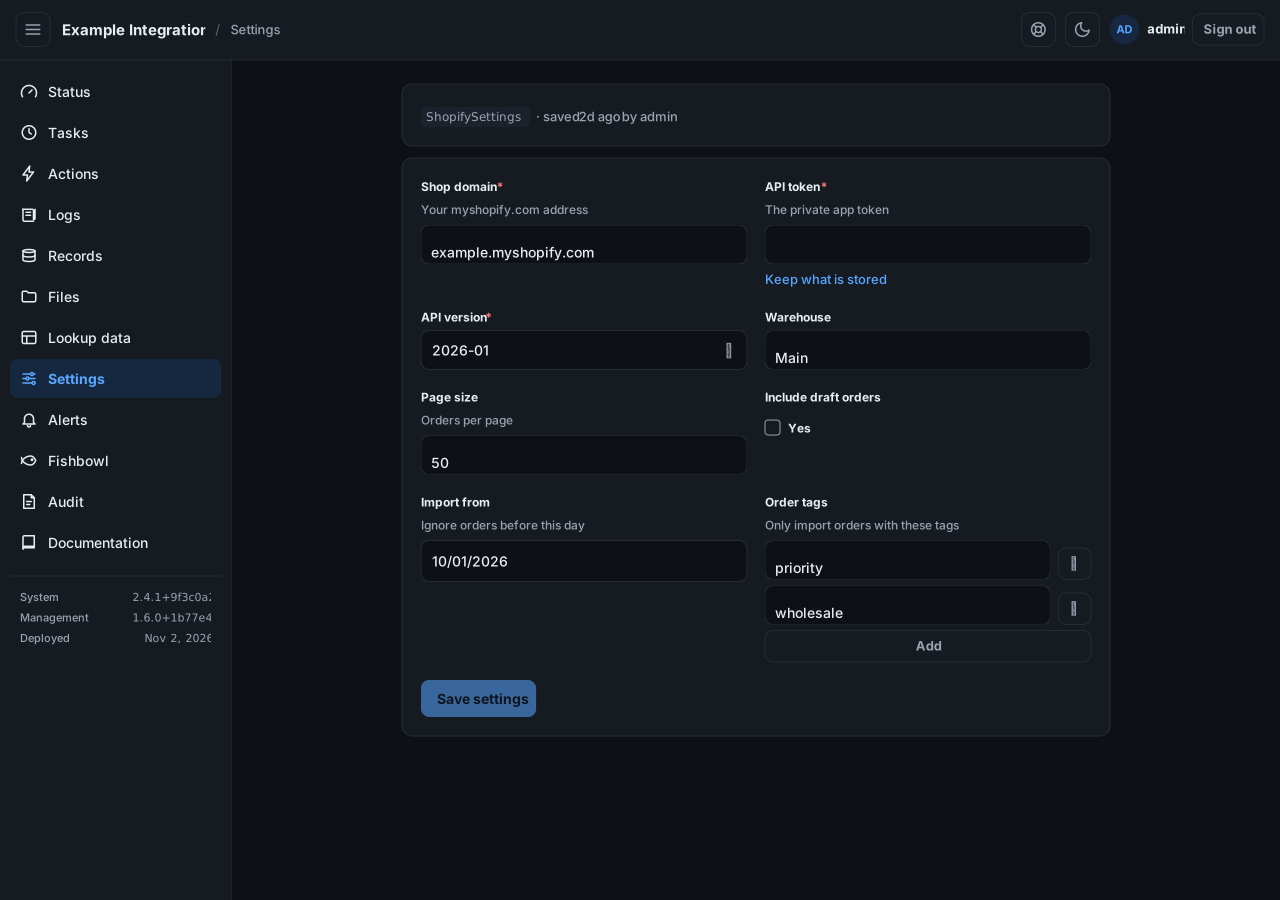
Section titled “Secrets”A secret field, such as a token or a password, is write-only. The screen shows stored once one is saved; it never shows the value back. Select Replace to enter a new one, or leave it to keep what is there.
Saving
Section titled “Saving”Every save keeps the copy it replaced. If someone else saved while you were editing, your save is refused so their work is not lost. Reload and try again.