
Administrator guide
This guide is for administrators — the people who control who can use ILC MCP and what they can do.
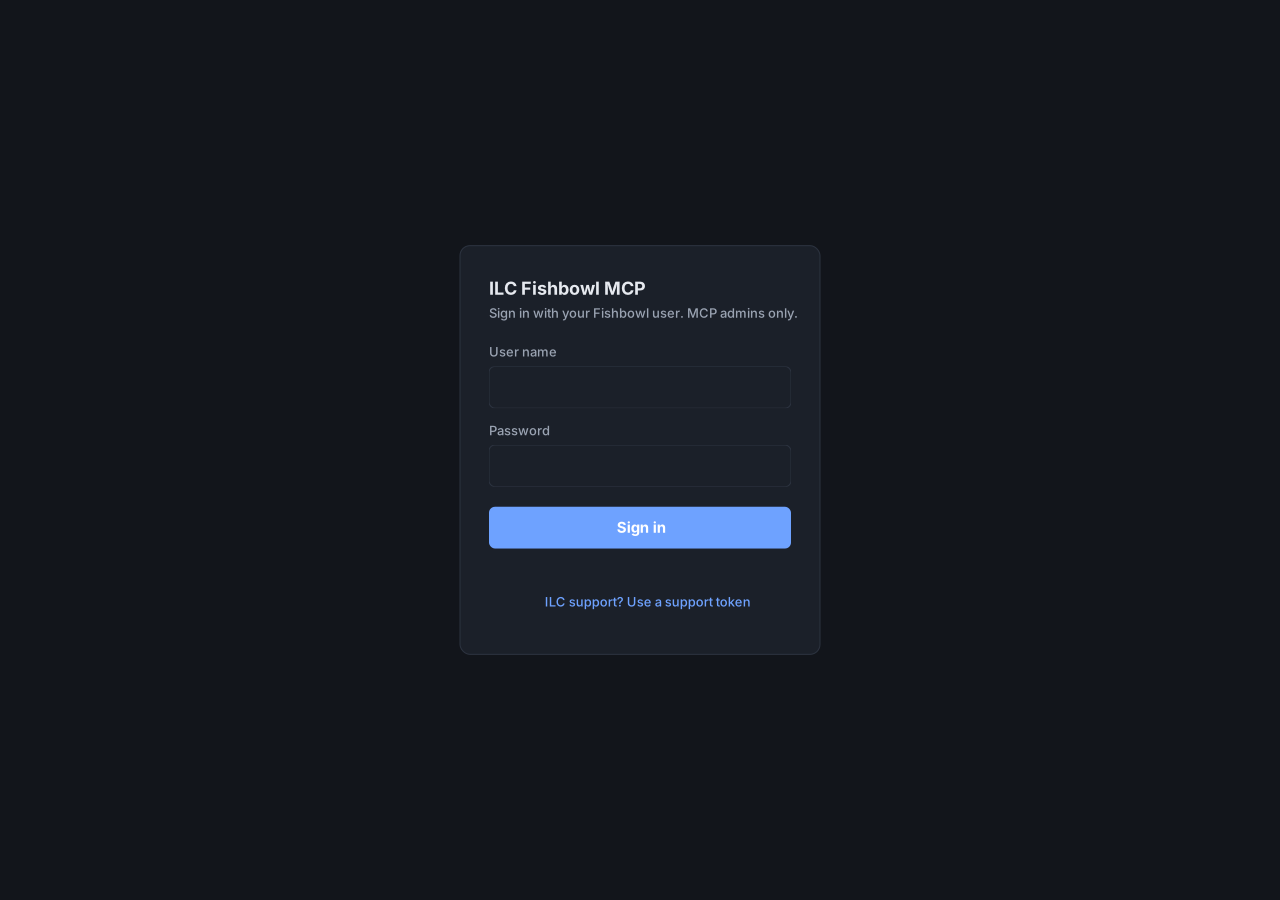
You work from the admin console, a web app at /app on your ILC MCP
address. Sign in with your Fishbowl credentials. The console reads and writes
nothing on its own; every panel acts through your signed-in session.
The console at a glance
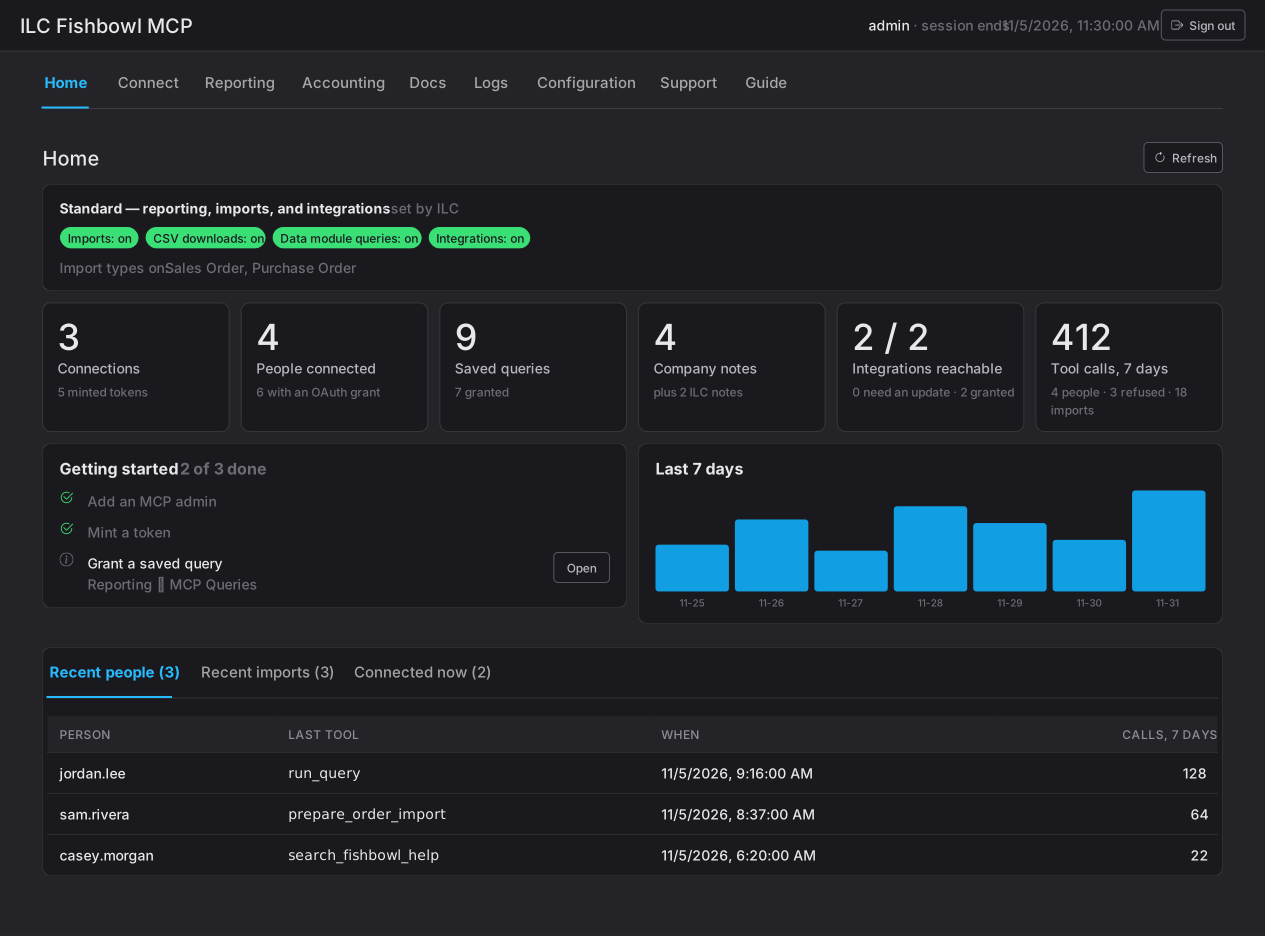
Section titled “The console at a glance”The Home tab is a read-only dashboard: tiles for active connections, people connected, and minted tokens, plus recent people, recent imports, and who’s connected right now. It’s the at-a-glance view; the other tabs are where the work happens:
- Connect — grant an AI client access for a Fishbowl user, and revoke it.
- Reporting — manage the queries, reports, pages, and TV dashboards an AI client builds.
- Accounting — connect an accounting system to compare against Fishbowl (planned).
- Docs — the notes ILC MCP keeps between sessions.
- Logs — review what ILC MCP did: tools, changes, and queries.
- Configuration — the limits that cap what anyone can do: grants, network and database access, administrators, and the plan.
Day-to-day operator tasks are in the User guide.