
Signing in
Sign in with your own Fishbowl name and password. You see and do what your Fishbowl user is allowed to.
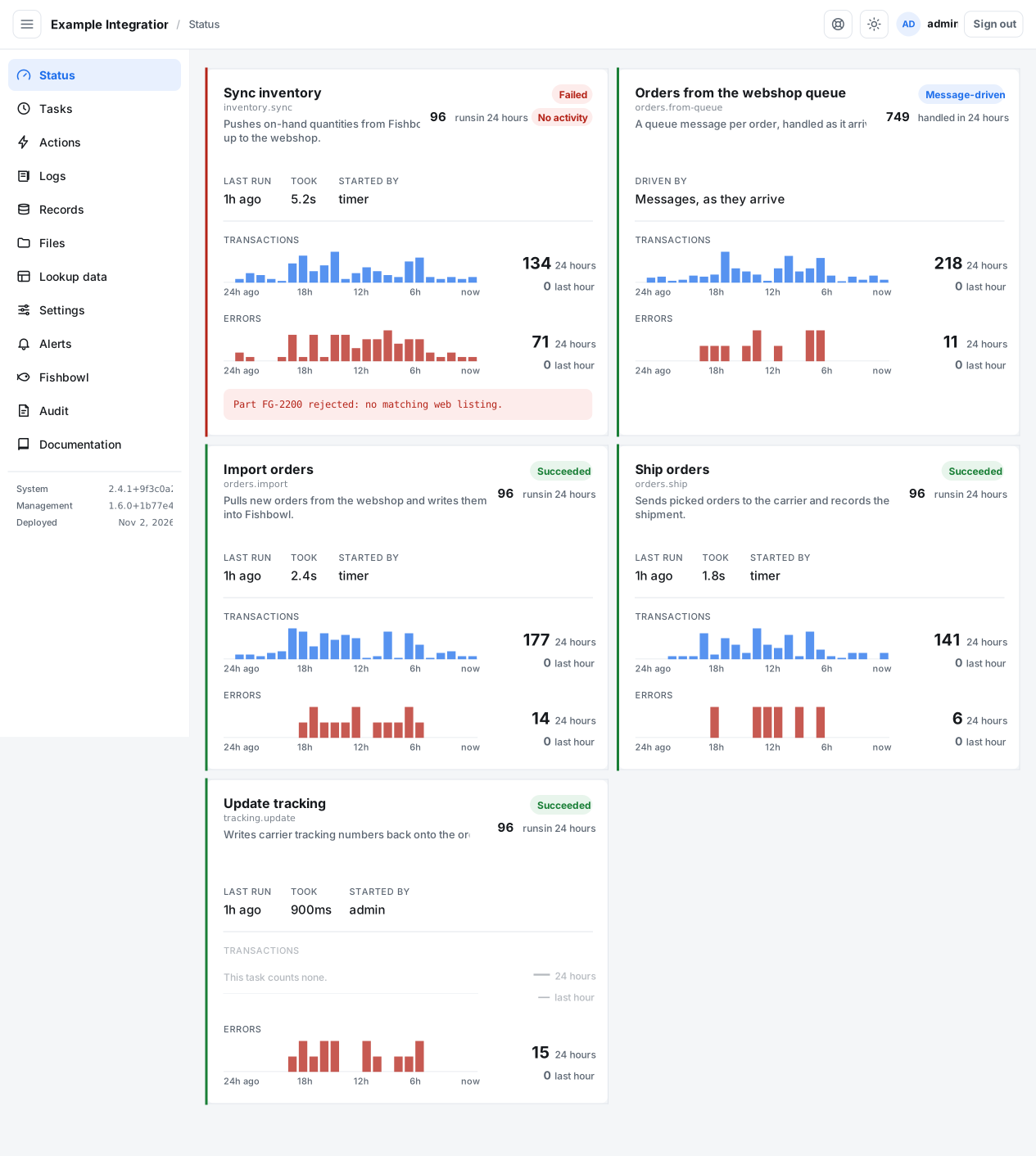
Sign in
Section titled “Sign in”- Open the integration’s address, ending in
/api/manage/. - Enter your Fishbowl name and password.
- Select Sign in.
A session lasts twelve hours. After that, sign in again.
From Fishbowl
Section titled “From Fishbowl”If the integration is opened from a link inside Fishbowl, you are signed in as yourself automatically. You do not type a password.
If sign-in is refused
Section titled “If sign-in is refused”A wrong name and a wrong password give the same message. Check both. After several failed tries a name is locked for fifteen minutes, even with the right password. Wait, then try again.
If the message says the credentials could not be checked, the Integration Server is not answering. This is not a wrong password; contact ILC or request support.