
Integration Management
The management page is the web console for your integration. Use it to check that the integration is running, start a task by hand, read what it did, and set what it needs to run.
Open the page
Section titled “Open the page”Go to the address ILC gave you. It ends in /api/manage/. Sign in with your
Fishbowl name and password. See Signing in.
The sidebar
Section titled “The sidebar”Each item is one screen.
| Screen | What you do there |
|---|---|
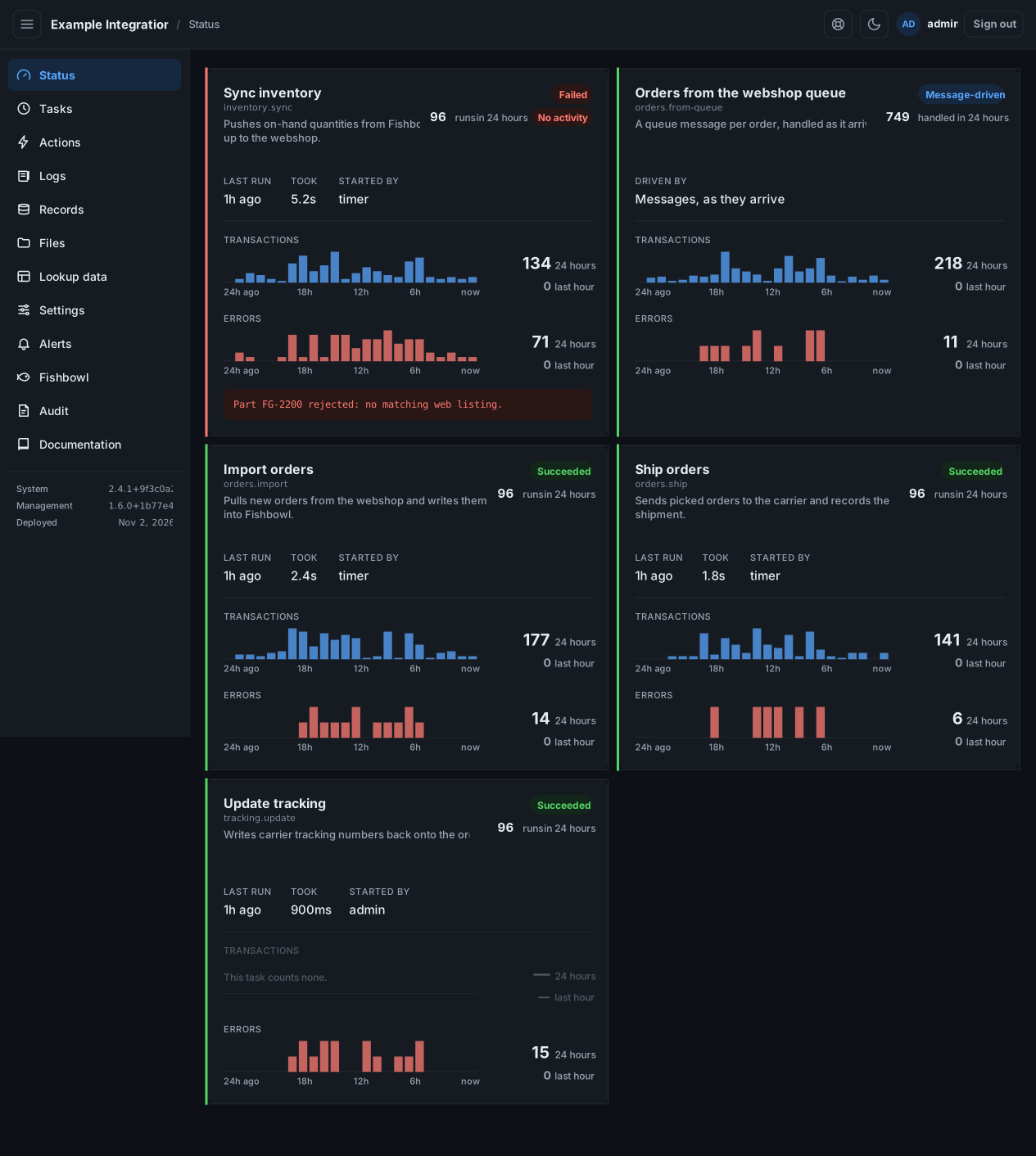
| Status | See each operation’s last run, outcome, and 24-hour activity. |
| Tasks | See schedules, start a task by hand, change when it runs. |
| Actions | Run an operation that needs input, such as a single order. |
| Logs | Read the day’s log, filtered by level, scope, or text. |
| Records | Read and export per-object logs, such as every email sent. |
| Files | Browse and download the files the integration works on. |
| Lookup data | Edit a mapping table in a grid or by file. |
| Settings | Fill in what the integration needs before it can run. |
| Alerts | Choose who is told when a run goes wrong. |
| Fishbowl | Check that Fishbowl answers. Shown only when it applies. |
| Audit | See what was done on this page, and by whom. |
| Documentation | Read the integration’s own documentation. |
Need help? Request support from inside the page, or contact ILC.
| Term | Meaning |
|---|---|
| Integration | The app that moves data between Fishbowl and an outside system. |
| Operation | One unit of work the integration does, such as importing orders. |
| Task | An operation that runs on a schedule. |
| Action | An operation you run by hand and give input to. |
| Run | One execution of an operation, with an outcome and a log. |