
Actions
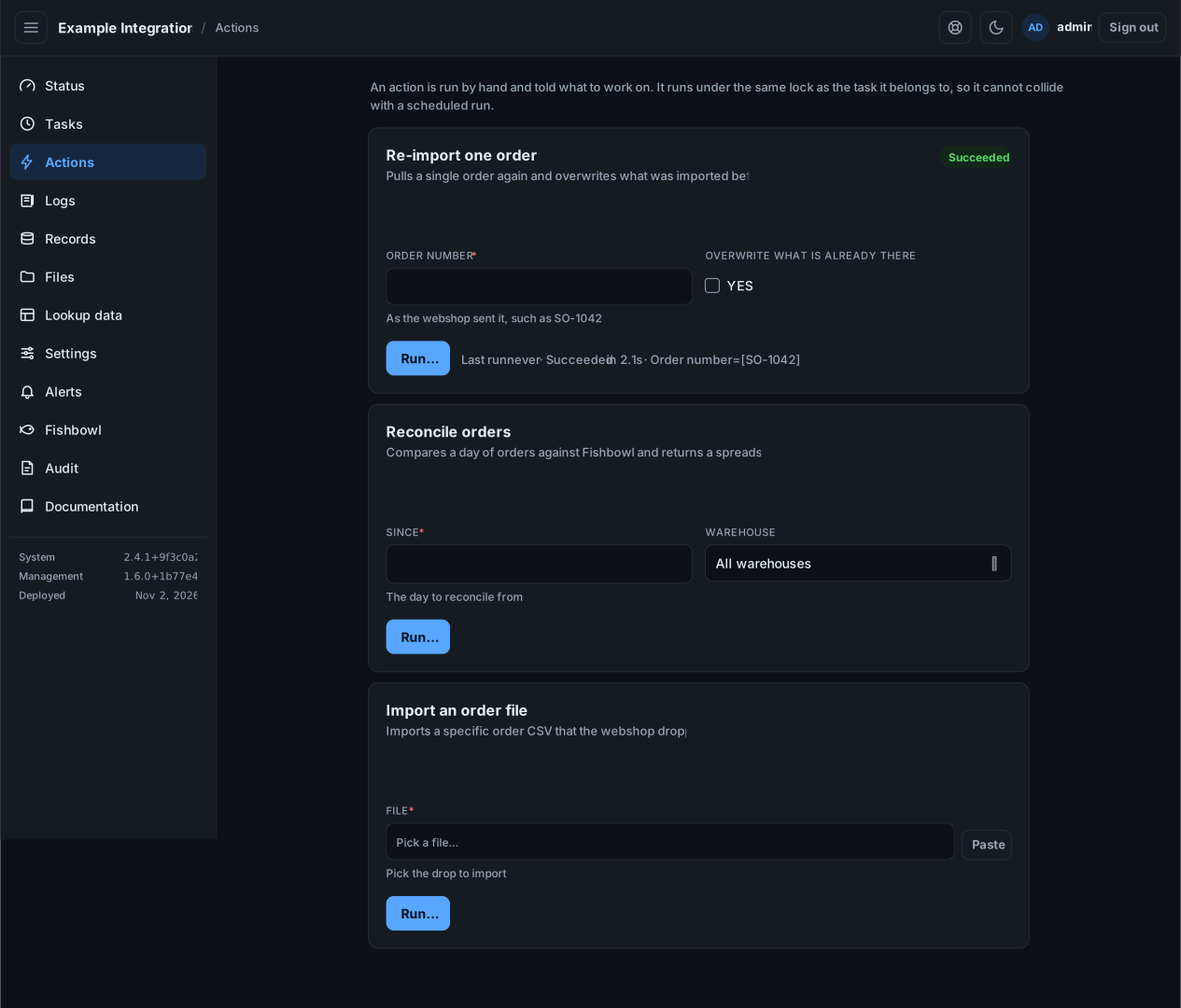
Run an operation by hand and give it the input it needs, such as the order to re-import. Each action has its own form.
Run an action
Section titled “Run an action”- Fill in the fields. A red asterisk marks a required field. A field may be a box, a number, a date, a yes/no toggle, a list to pick from, or a file to choose from a folder.
- Select Run….
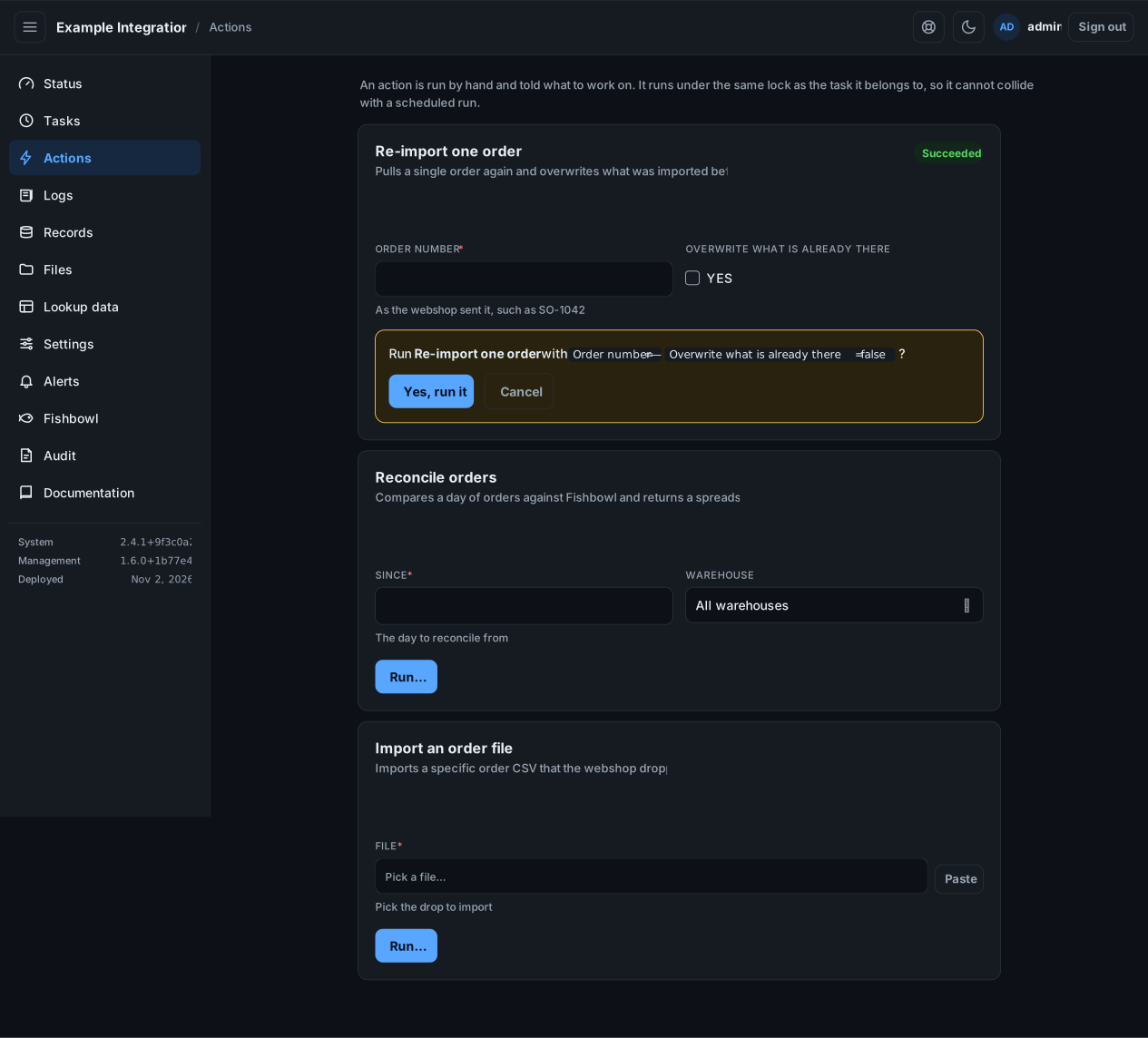
- Check the summary of what you entered, then select Yes, run it.
Watch it run
Section titled “Watch it run”The screen follows the run and shows its log as it happens, then the outcome.
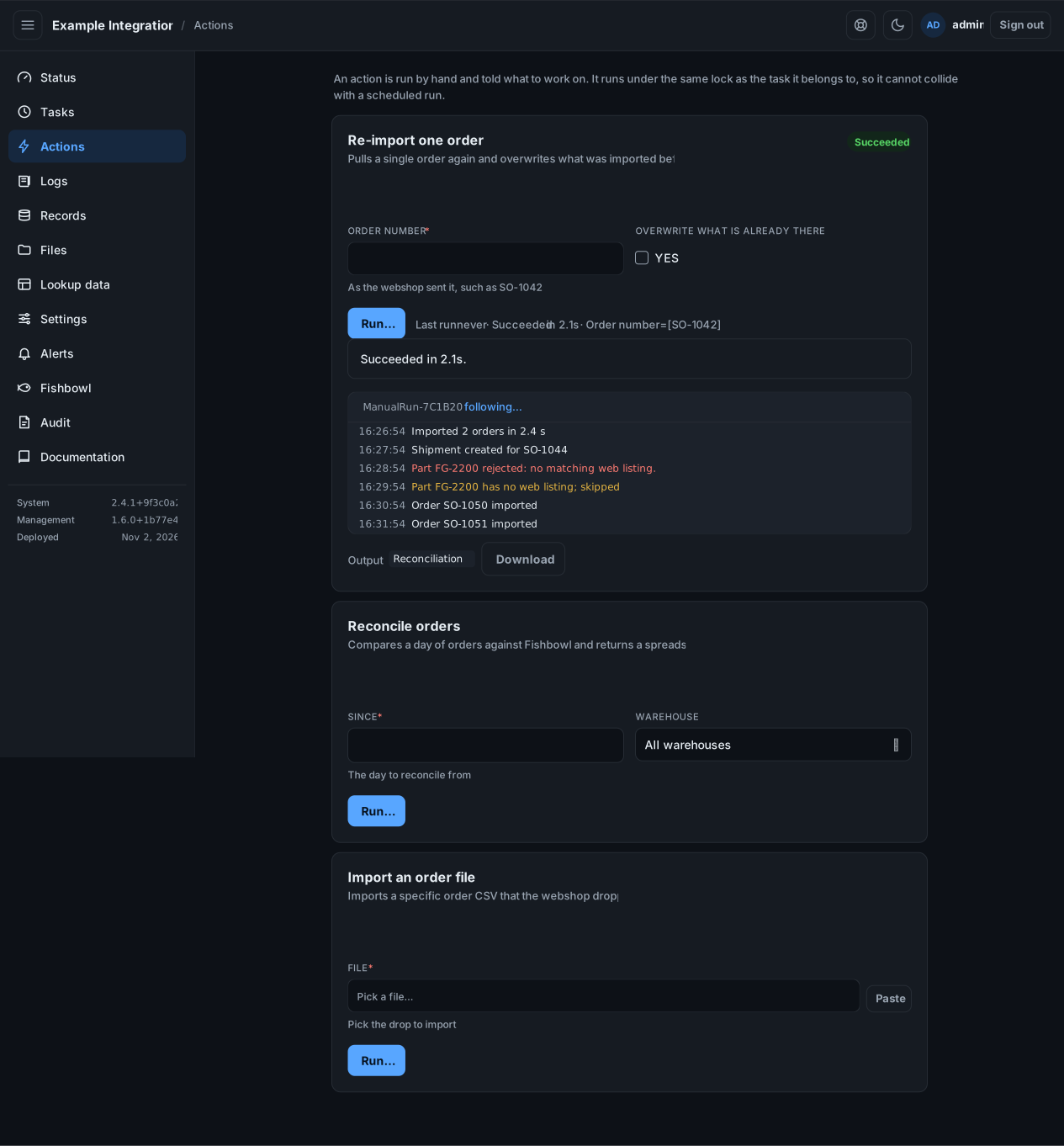
An action that produces something, such as a spreadsheet or a report, shows it when the run finishes. Select the output to open or download it.
An action runs even when its task is switched off. It runs under the same lock as the task, so it cannot collide with a scheduled run. An action that needs longer than a few minutes hands its work to a timer rather than finishing on screen.