
Lookup data
Edit a table the integration reads, such as a SKU map or carrier codes. Change it in a grid, or replace the whole file.
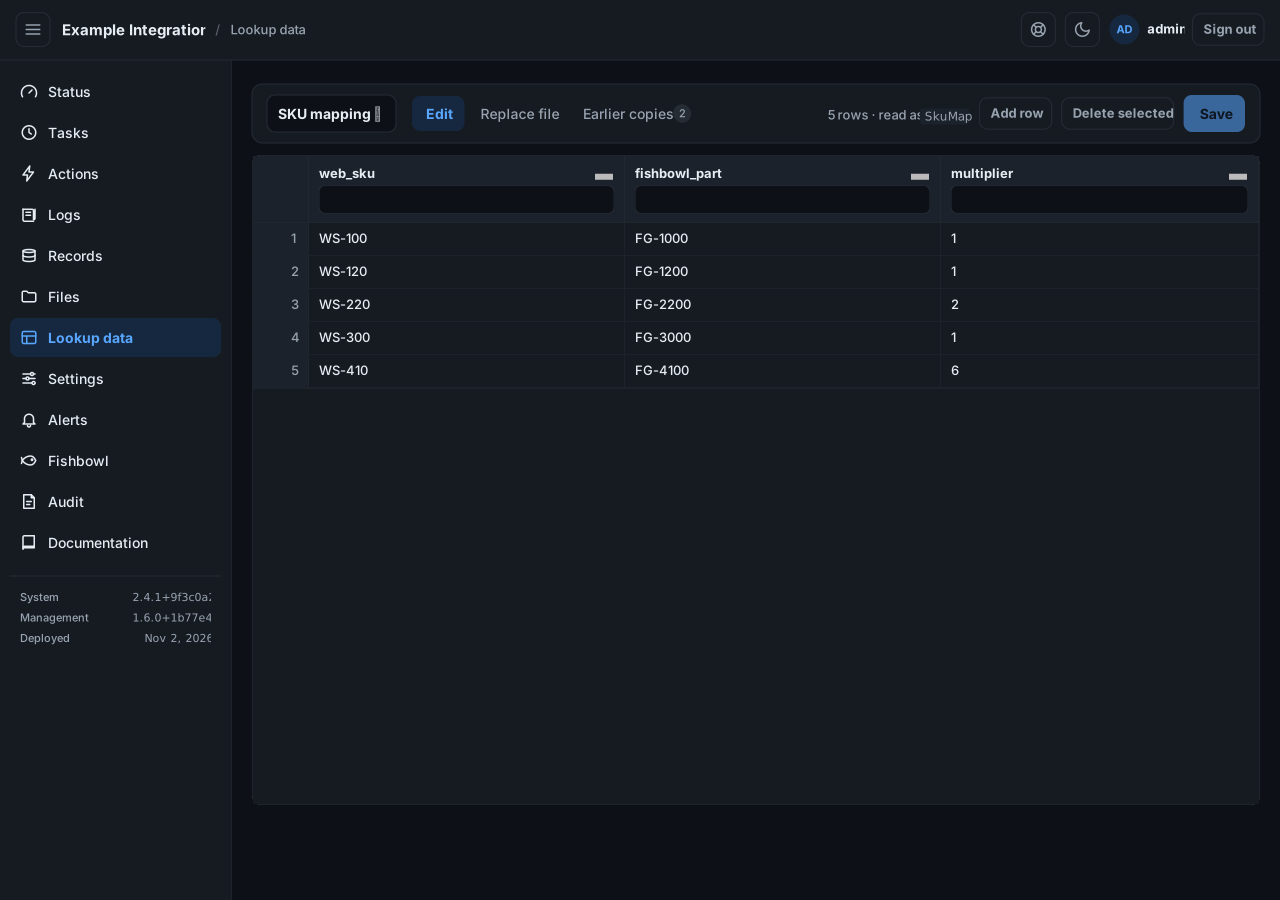
Edit in the grid
Section titled “Edit in the grid”- Pick a lookup from the list.
- Edit a cell, Add row, or Delete selected rows. You can paste a block straight from Excel.
- Select Save.
Saving checks the data against the lookup’s shape before it is stored. A bad value, such as a wrong column or a word where a number belongs, is refused, with the line and column to fix.
Replace the whole file
Section titled “Replace the whole file”Select the Replace file tab to download the current file, edit it in Excel, and upload it back. The whole file is replaced.
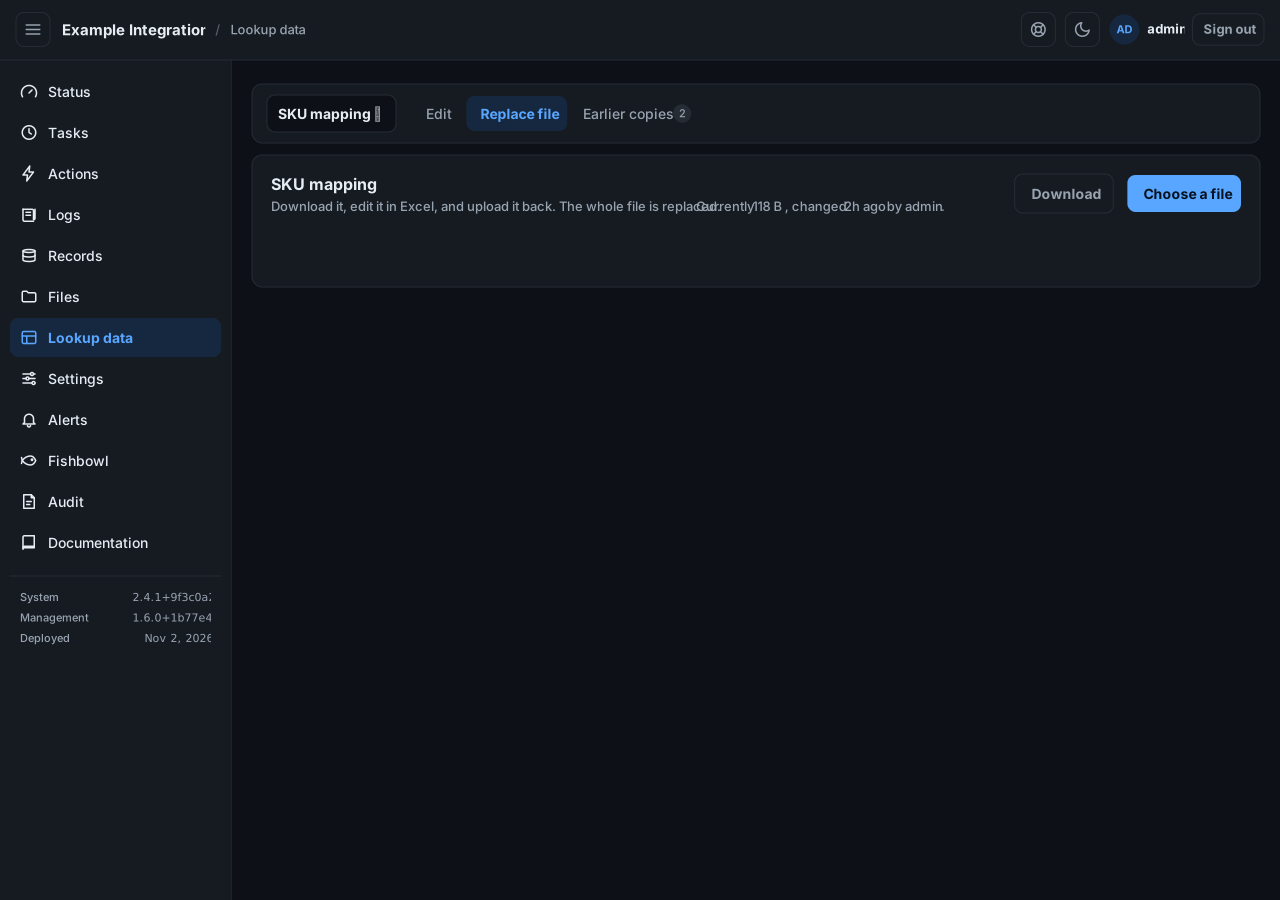
Uploading an empty file would delete every row, so it is refused until you confirm you mean it.
Go back to an earlier version
Section titled “Go back to an earlier version”Every save keeps the copy it replaced. Select Earlier copies to see them and restore one. Restoring keeps a copy too, so it can itself be undone.
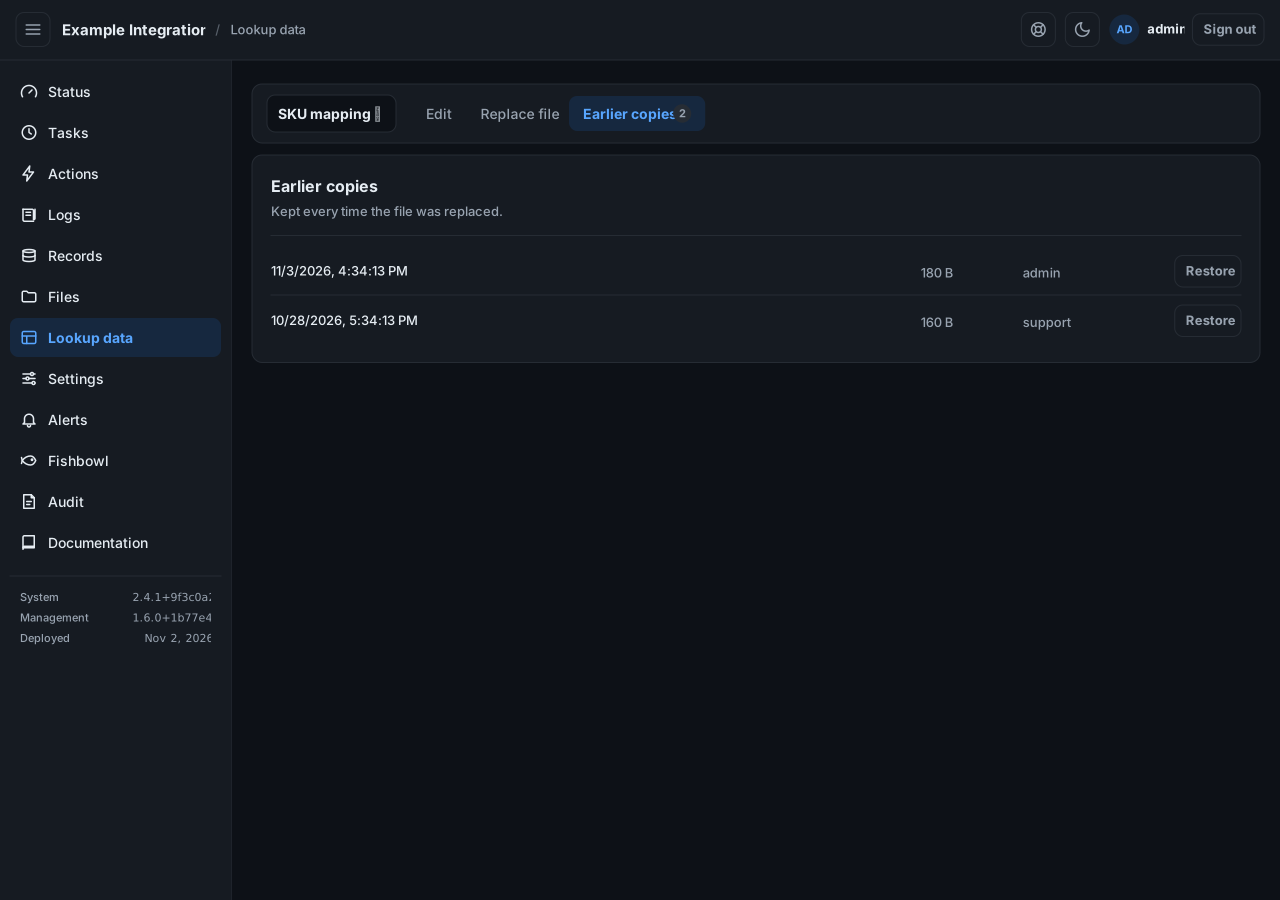
If someone else saved while you were editing, your save is refused so their work is not lost. Reload and try again.