
BI Scripts
BI Scripts are the BI reports ILC MCP installed into Fishbowl’s BI Report module — the analytics reports that sit alongside Fishbowl’s own. An operator builds and installs them from their AI client; you manage the installed ones here.
The list shows only reports the MCP installed.
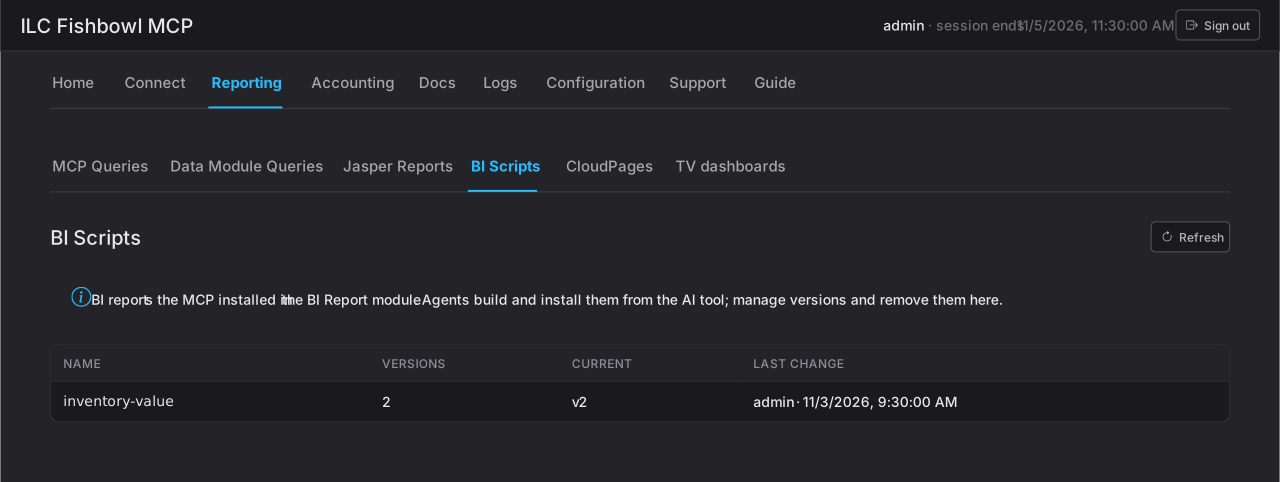
Reviewing a report
Section titled “Reviewing a report”Open a report for three tabs:
- Current — the live version and its content.
- History — every stored version, with Roll back to this to re-install an earlier version as a new version (nothing is deleted).
- Activity — the audit trail for this report.
Removing
Section titled “Removing”Uninstall removes the report from the BI Report module but keeps its version history, so it can be installed again later.
The operator’s side — building a BI report — is in the User guide under BI reports.